

Can a PC Fast Charge a Phone? Surprising Facts 2026
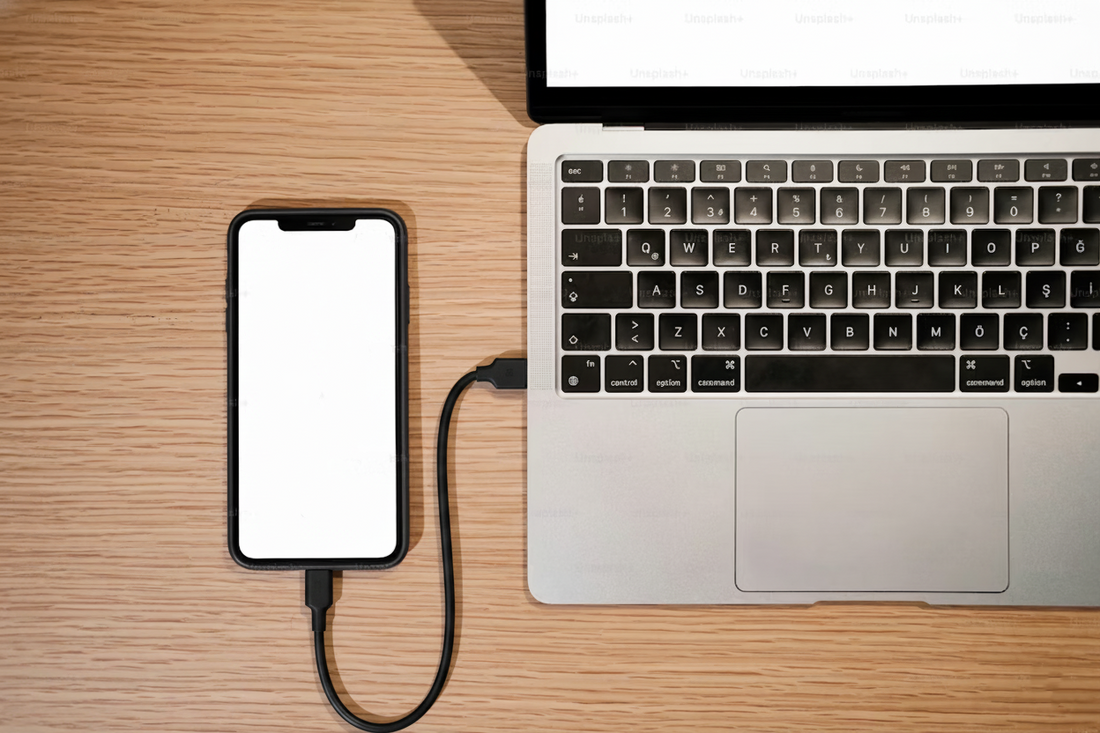
Imagine this: You’re in the middle of an all-important Zoom meeting, your phone battery is screaming at 5%, and your charger is… somewhere across the room. The natural thought: “Can I just plug it into my laptop?”
We’ve all been there. But here’s the million-dollar question: can a PC fast charge a phone? And if so, how fast does a PC charge a phone?
In 2026, understanding your PC’s charging abilities isn’t just tech trivia — it’s a time-saving, life-improving skill. Let’s break it down in a way that’s simple, practical, and even a little fun.
Table of Contents
- Part 1. Can a PC Fast Charge a Phone?
- Part 2. How Fast Does a PC Charge a Phone?
- Part 3. Why Many PCs Do Not Fast Charge Phones
- Part 4. When Can a PC Fast Charge a Phone?
- Part 5. How to Charge Phone from Laptop Faster
- Part 6. Is It Safe to Charge Phone from PC?
- Part 7. Best Alternatives to Fast Charging from Your PCHOT
- FAQs about Charging Phones From PCs
Can a PC Fast Charge a Phone?
Here’s the bottom line: sometimes, yes. But most of the time… not really.
Every PC USB port outputs some power, but fast charging is another story. Fast charging usually means 18W or more — enough to give your phone a quick boost in half an hour.
- Old USB 2.0 ports are dinosaurs here, offering just 0.5A (about 2.5 watts). Your phone will charge slower than a snail on a Sunday stroll.
- USB 3.0 ports are better, giving 0.9A (~4.5W). Faster, but still not impressive for modern smartphones.
- USB-C with Power Delivery (PD) is the real MVP, delivering 18–30W or more — fast enough to compete with wall chargers.
So, if you’ve ever wondered does a computer charge a phone fast, the truth is: it depends on your laptop, your phone, and yes, your cable.
How Fast Does a PC Charge a Phone?
You might be wondering, how fast does a PC charge a phone? The truth is, it varies widely depending on the type of USB port and your phone’s compatibility. Here’s a practical breakdown:
| USB Type | Output Current | Output Wattage | Typical Charging Speed |
|---|---|---|---|
| USB 2.0 | 0.5A | 2.5W | 1% per 3–4 minutes (slow) |
| USB 3.0 | 0.9A | 4.5W | 1% per 2 minutes (moderate) |
| USB-C PD | 3A+ | 18–30W | 50% in 30–40 minutes (fast) |
- PCs with standard USB ports are great for trickle charging — keeping your phone alive overnight or maintaining charge.
- USB-C PD ports or specialized fast charging ports can actually compete with wall chargers in terms of speed.
- Laptops with QC 3.0 or higher can sometimes achieve 50–60% charge in half an hour for compatible Android devices.
If your PC is only offering a USB 2.0 port, don’t be surprised when your phone barely moves from 10% in 30 minutes. But with USB-C PD, you might actually leave your phone half-full in a lunch break.
Why Many PCs Do Not Fast Charge Phones?
You might be asking: “I have a USB-C port… why isn’t it charging my phone fast?” There’s a reason.
- Limited power output – Most standard ports were built for data, not for lightning-fast charging.
- No fast-charging protocols – PD and Quick Charge need a handshake with your phone. If your laptop doesn’t know the steps, no fast charge.
- Power-saving settings – Laptops often throttle USB ports when running on battery. Plug in your laptop, and you might get better speed.
- Cable quality – Cheap, thin, or frayed cables can’t carry enough juice to fast-charge anything.
Basically, your PC might have the hardware, but if the software, cable, or settings aren’t aligned, your phone charges like a tortoise in molasses.
As you’ve seen, many PCs can’t fast charge your phone due to limited voltage, older USB standards, or low-power ports. If you’ve been frustrated by slow charging, a Charmast portable charger is a smart solution. With multiple outputs, built-in cables for all common devices, and a compact design, it lets you charge your phone reliably and quickly wherever you are — no computer required.
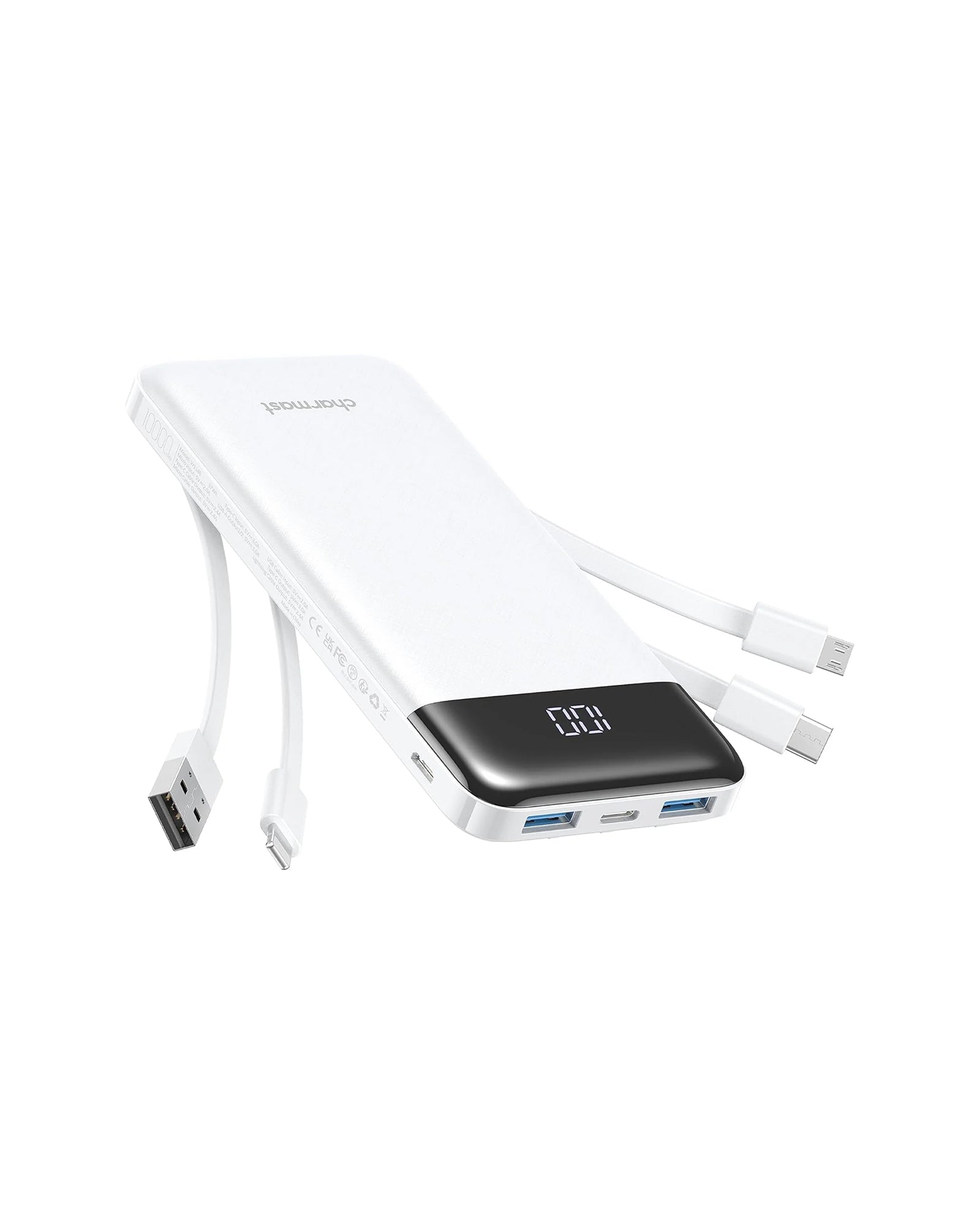
Ultra Compact | 6 Outputs 3 Inputs | 20W PD Fast Charging | Perfect for travel and everyday carry.
When Can a PC Fast Charge a Phone?
So, under what conditions can a PC fast charge your phone? Here’s what you need:
- USB-C PD Port or QC-Compatible USB-A Port: Look for laptops that specifically state “USB-C Power Delivery” or “Quick Charge 3.0/4.0 support.”
- Compatible Phone: Your phone must support PD or QC. Most recent iPhones (iPhone 12 and above) support PD, while many Android phones (Samsung, Pixel) support QC 3.0/4.0 or PD.
- High-Quality Cable: Only use cables rated for the current and voltage required by your phone. Some USB-C cables support PD, while older USB-A to USB-C cables might limit speed.
- Laptop Plugged Into Power: Fast charging often only works when your laptop is connected to AC power. Battery mode may reduce output to USB ports.
If these conditions are met, a PC can almost match a wall charger in speed, which is great for travelers or people working remotely.
How to Charge Phone from Laptop Faster
If you want to know how to charge phone from laptop quickly, here are practical, tested tips:
1. Use the Correct Port
Always prefer USB-C PD ports or USB-A ports labeled for fast charging.
Avoid standard USB 2.0 ports, as they deliver very low wattage.
2. Use a Certified Cable
For PD, use a USB-C to USB-C or USB-C to Lightning cable rated for PD.
Avoid cheap third-party cables — they can drastically reduce speed or prevent fast charging altogether.
3. Close Power-Consuming Apps on Your Phone
Streaming apps, games, or navigation while charging increases power draw and reduces net charging speed.
4. Keep Laptop Plugged In
Laptops often limit USB output on battery. Connect your laptop to power to maximize charging speed.
5. Enable Fast Charging Settings (If Available)
Some Android phones allow enabling fast USB charging in settings. Ensure this is turned on.
By following these steps, you can often achieve 50% charge in 30–40 minutes for PD/QC-compatible devices.
Is It Safe to Charge Phone from PC?
Many users worry, is it safe to charge phone from PC? In general, yes — but there are some caveats:
1. Low-Risk With Standard Charging
Regular USB charging from a PC (5V, 0.5–2A) is safe for all devices.
No risk of overheating, battery damage, or voltage spikes under normal conditions.
2. Fast Charging Risks
High-voltage or fast charging (PD/QC) is also generally safe if your laptop supports it correctly and the cable is certified.
Using unverified ports or cables can cause battery heating, slower charge, or even device damage.
3. Trade-Offs
Continuous fast charging from a laptop may generate extra heat on both the phone and PC.
Avoid charging from unpowered USB hubs or poorly designed ports.
Rule of thumb: Certified ports + certified cables = safe and reliable charging.
Best Alternatives to Fast Charging from Your PC
If your PC doesn’t fast charge, you have options:
1. Wall Chargers with PD or QC Support
Use a 20W+ PD charger for iPhones or QC 3.0/4.0 for Android.
Faster and more consistent than a PC port.
2. Portable Chargers / Power Banks
If your PC can’t fast charge your phone, a portable charger is a lifesaver. Devices like the Charmast 20000mAh portable charger provide reliable, high-capacity charging on the go. With multiple outputs and built-in cables for iPhone, Android, and other USB-C or Micro-USB devices, it ensures your gadgets stay powered no matter where you are.
Perfect for travel, remote work, or everyday use, this power bank eliminates the frustration of slow PC charging, offering a practical, convenient, and safe alternative for keeping your devices fully charged.

Charmast 20000mAh Slim Power Bank with Built in Cables
22.5W fast charging| 6 outputs, 3-in-1 cables| Works with Virtually All Your Devices
3. USB-C Docking Stations
Some docking stations support PD passthrough, providing high wattage to connected devices.
4. Laptop with True USB-C PD Output
Upgrade to a laptop that specifically lists USB-C PD output for smartphones.
FAQs about Charging Phones From PCs
Q1: Can any PC USB-C port fast charge a phone?
Not all USB-C ports support PD fast charging. Only ports labeled PD or QC-certified can deliver high wattage. Older USB-C or USB-A ports may only provide slow charging.
Q2: Can a fast charger or cable damage my phone?
Using certified PD or QC chargers and cables is safe. Non-certified or cheap cables may overheat or reduce charging efficiency, but modern phones generally regulate incoming power to prevent damage.
Q3: Will charging via PC degrade my phone battery faster?
Charging from a PC at normal speeds doesn’t degrade battery faster. Fast charging generates slightly more heat, but as long as PD/QC-certified devices and cables are used, battery degradation is minimal.
Q4: Can I charge my phone with my PC while it’s off or sleeping?
Some PCs allow USB ports to supply power in sleep mode. Check your BIOS/UEFI or laptop settings for “USB power on sleep.”
Q5: How to charge phone from laptop efficiently without overheating?
Use certified cables, PD-compatible ports, and avoid intensive phone usage while charging.
Wrapping Up
In 2026, knowing can a PC fast charge a phone is essential for modern users. While most PCs charge phones slowly, newer laptops with USB-C PD or QC 3.0/4.0 can compete with wall chargers. By using the right ports, cables, and settings, you can maximize charging speed safely.
For those who frequently need fast charging on the go, consider alternatives like Charmast portable chargers. These power banks support PD 3.0 or QC 3.0, multiple outputs, and built-in cables, giving you reliable, efficient charging whether you’re traveling, working remotely, or simply want a backup power solution.
Upgrade your charging setup and stop waiting around — faster, safer charging is possible with the right devices and knowledge.